 CarTheme
Christmas 2026 CarPlay Themes & New Year 2027 Widgets
Want your car to feel like Christmas before the first song even starts? Give your CarPlay screen a coordinated holiday look: a festive clock, a matching calendar and a short Christmas startup sound. You can get the seasonal mood without putting decorations across your windscreen.
A Christmas gift from CarTheme: our Advent Calendar launches on December 1, 2026, with all 25 Christmas widgets shown below available for free in CarTheme. Pick your favorites and give your dashboard a holiday makeover.
Here are three Christmas CarPlay theme ideas using CarTheme design previews, plus a practical setup guide for iOS 27. Looking for bows, garlands and exterior decorations too? Read how to decorate your car for Christmas, including what to check before taking decorations onto public roads.
Christmas CarPlay themes: choose a look
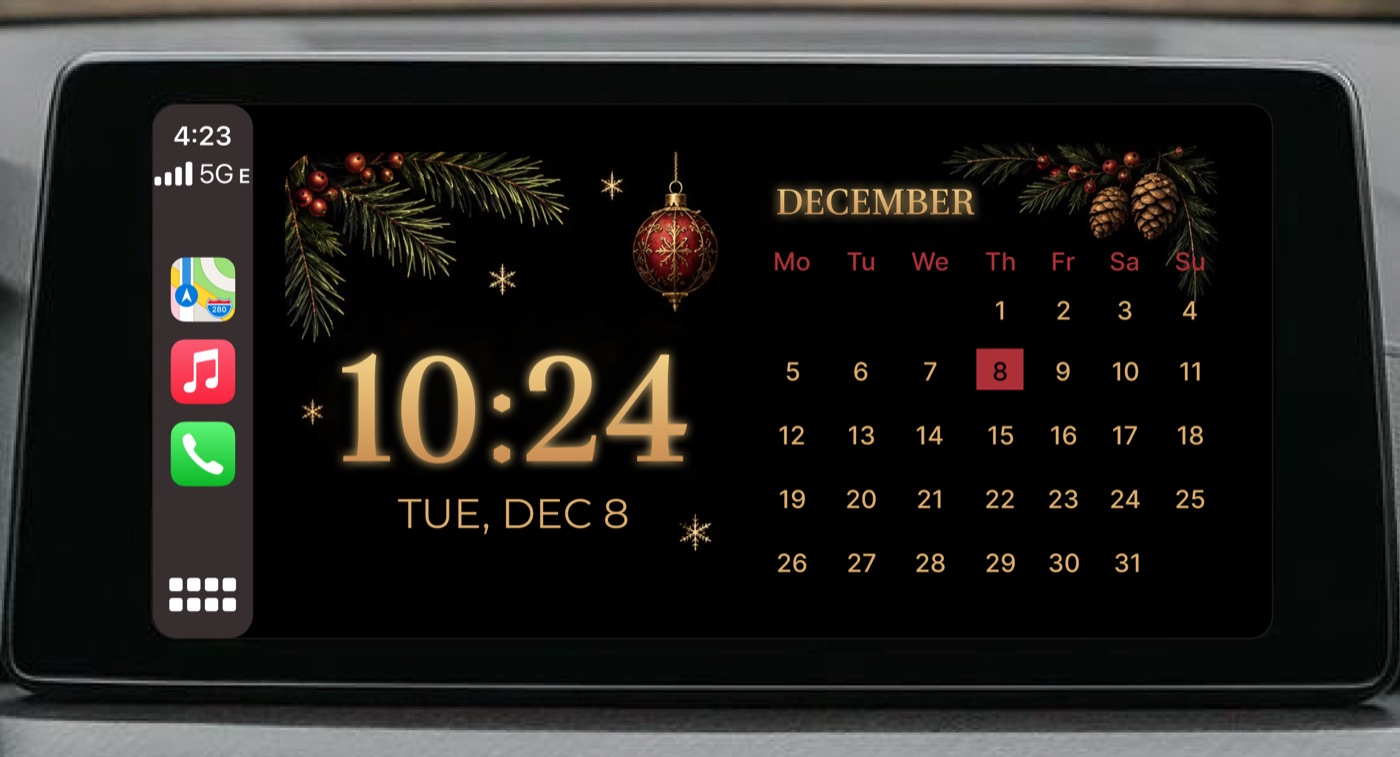
Black and gold Christmas
Start with a dark background, a large gold clock and a December calendar. Pine branches and red baubles add the Christmas detail without competing with the time. This is a good starting point if your interior already has warm lighting or metallic trim.
Keep the two widgets consistent: the same gold, the same dark background and one red accent. Avoid filling every available tile with a different illustration. Browse CarPlay themes for more coordinated dashboard ideas.
Gingerbread and candy cane
For a playful Christmas aesthetic, pair gingerbread textures with icing borders, peppermint stripes and a warm amber clock. The clock and calendar below share the same colors, so the screen reads as one theme.
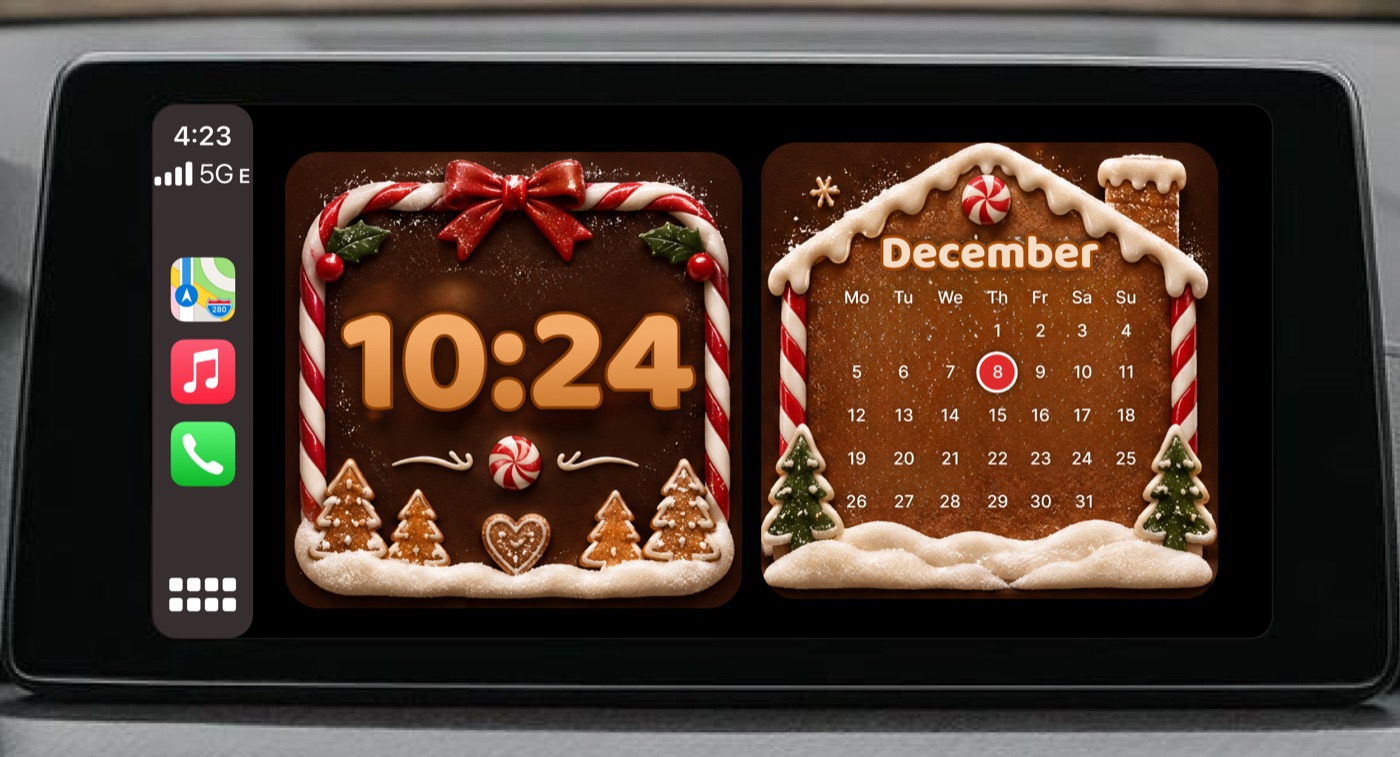
Use a large, high-contrast time display; decorative icing should frame the information rather than cover it. If the details look crowded on your head unit, simplify the widget background.
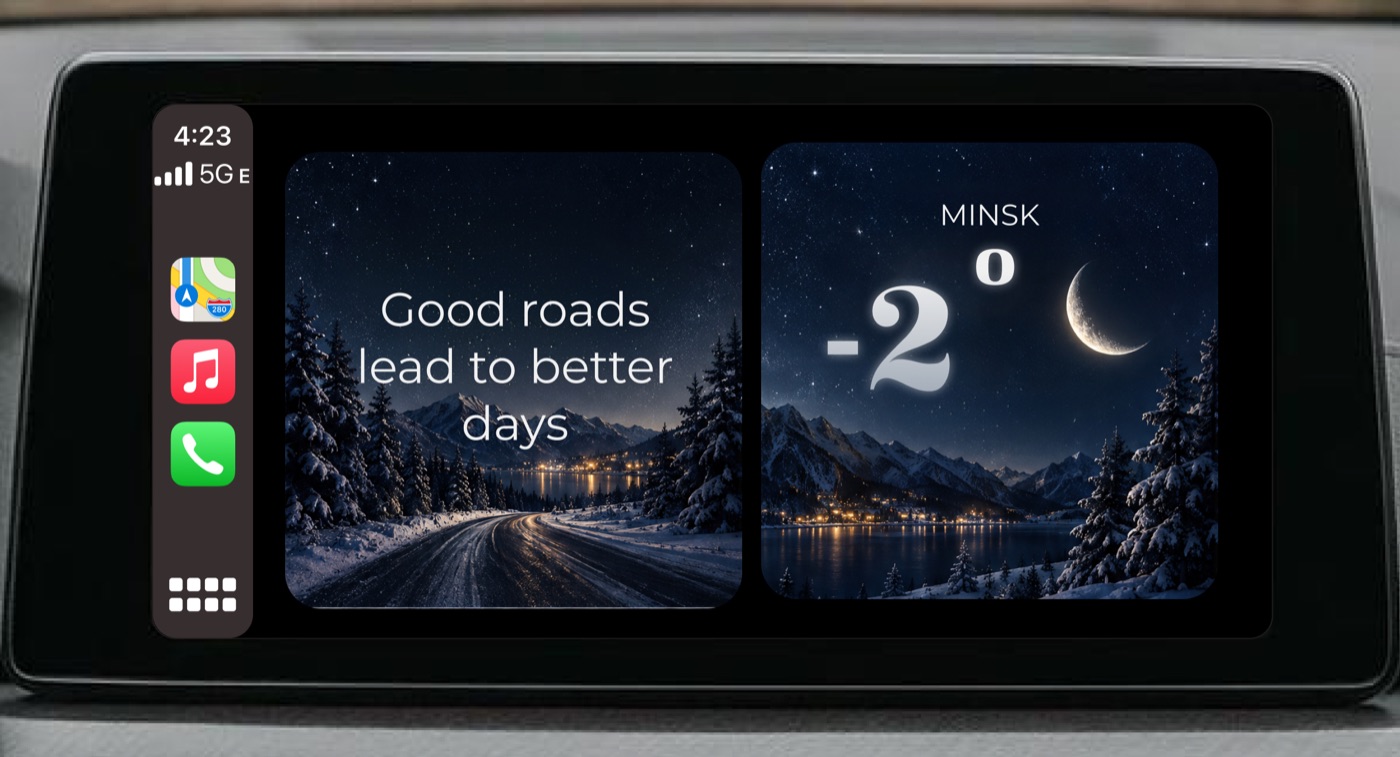
Winter night
For New Year 2027, a snowy landscape, midnight blue and white type give you a winter CarPlay theme you can keep through January. Pair a simple message or photo widget with a weather widget, using a similar night-sky background in both.
Christmas widgets for CarPlay
A small set of useful widgets will feel more intentional than a screen full of decorations. Try these combinations:
- Christmas clock widget: large digits with a restrained ornament, pine or candy cane frame. Start with clock widgets.
- December calendar widget: put holiday dates beside the clock. Keep personal event details appropriate for a screen passengers can see. Explore calendar widgets.
- Winter weather widget: useful before a seasonal trip; use it as a quick conditions check, alongside local road and weather advice. See weather widgets.
- Holiday photo widget: a snowy landscape, a pet in a Santa hat or a family Christmas photo can anchor the theme. See photo widgets.
- New Year countdown widget: a festive countdown can carry the look past Christmas. The numbers and dates in the gallery are sample preview values.
CarTheme Advent Calendar: 25 free Christmas widgets
Available free as a gift from December 1, 2026. All 25 widgets in this collection will be available in the CarTheme Advent Calendar. Explore clocks, December dates, winter weather, festive artwork and a New Year countdown below.
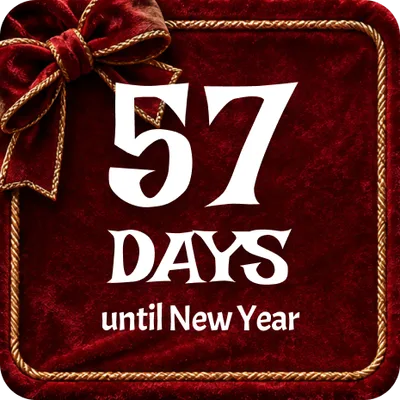
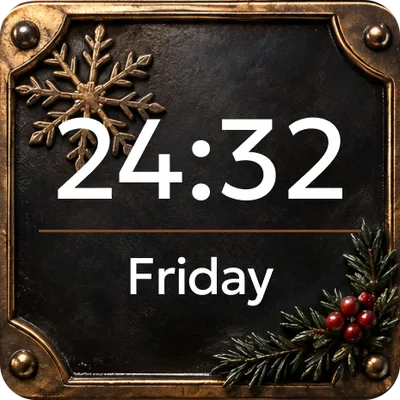
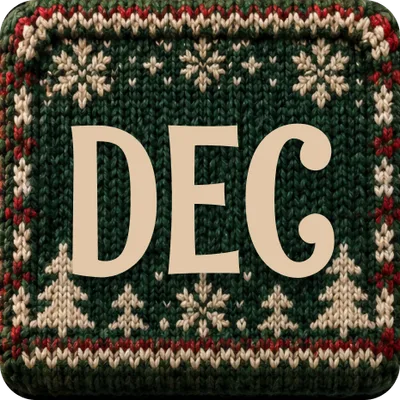
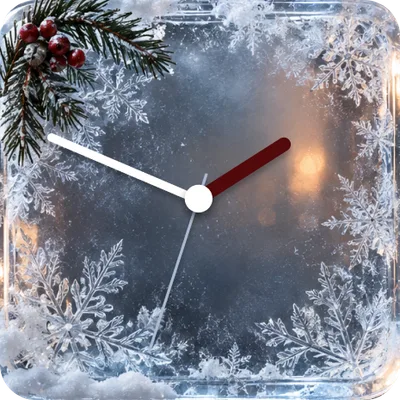
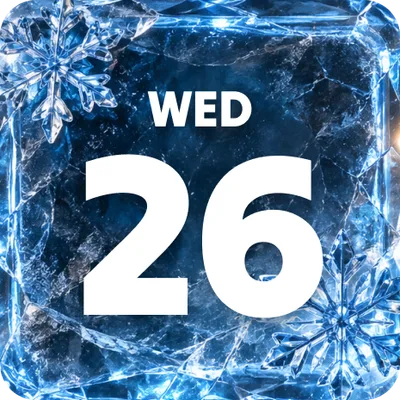
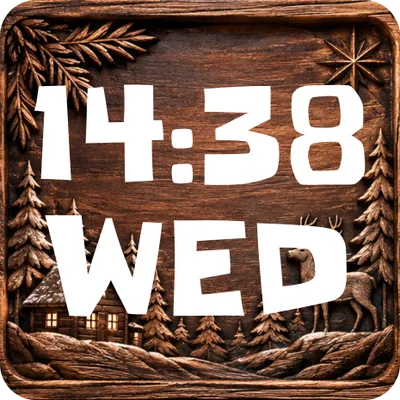


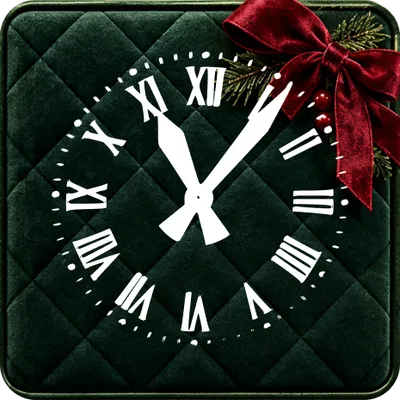
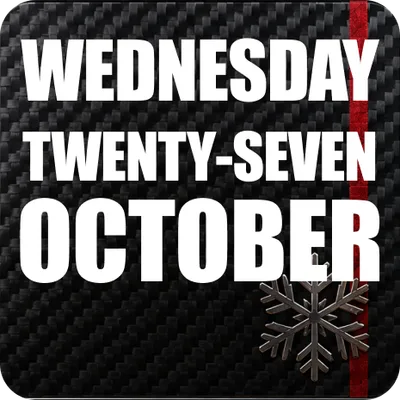
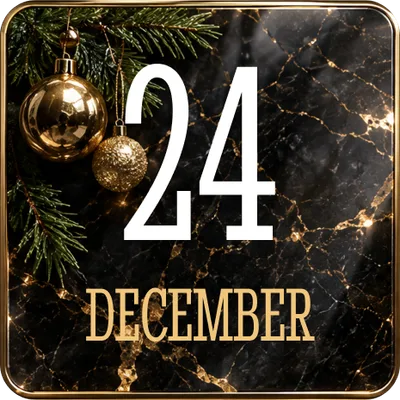
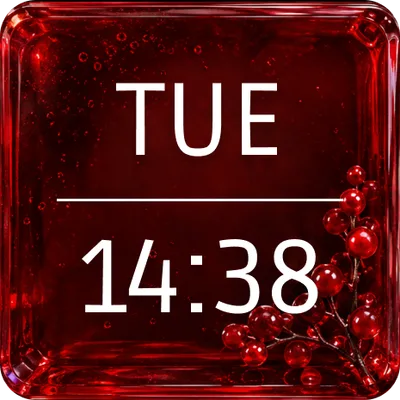
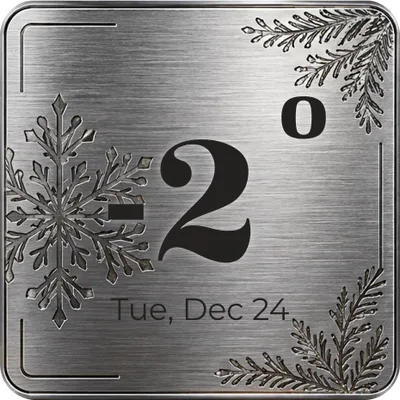
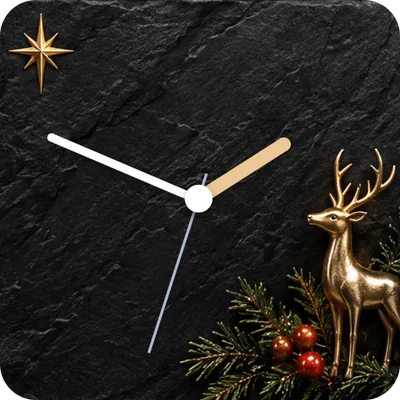
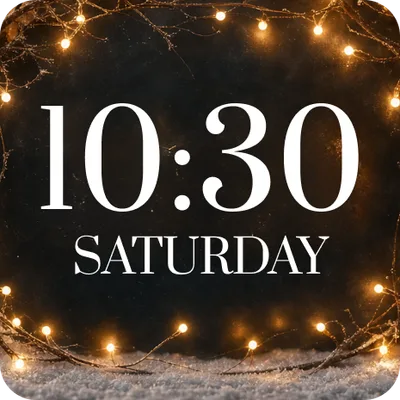

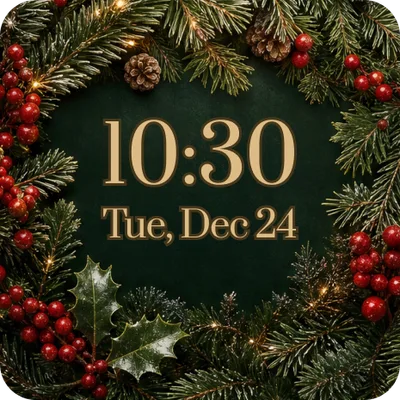
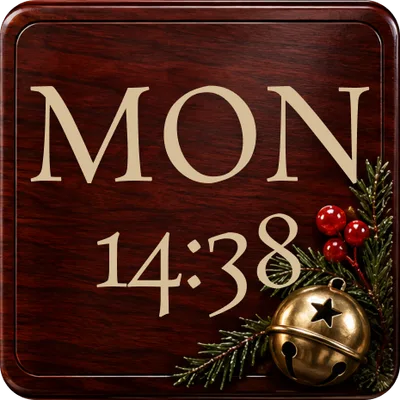
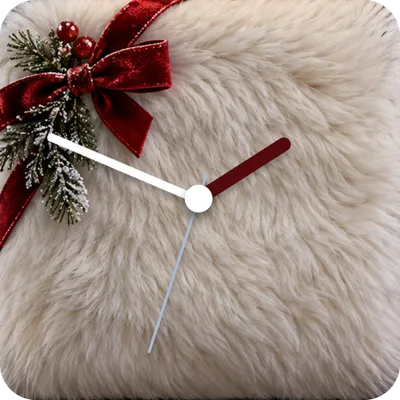
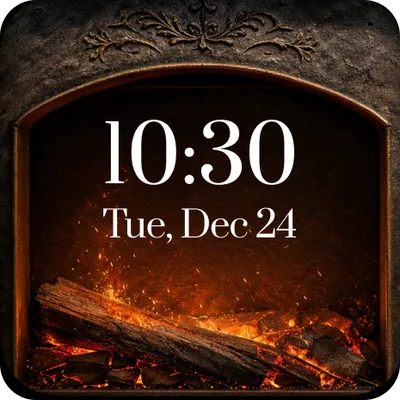
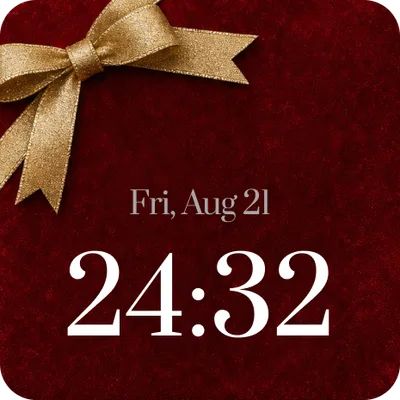
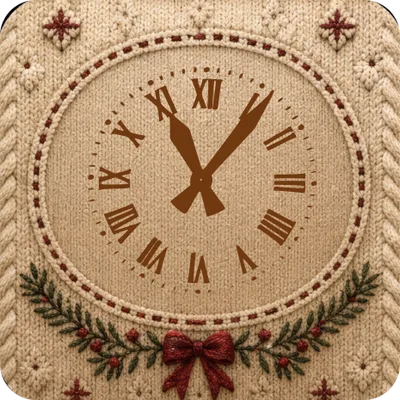
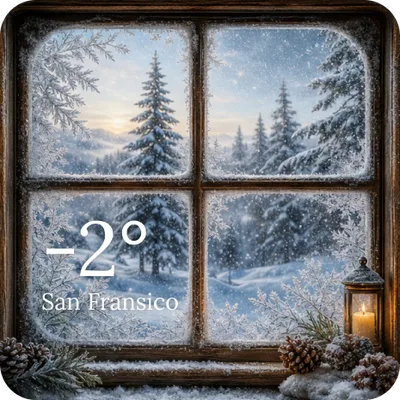
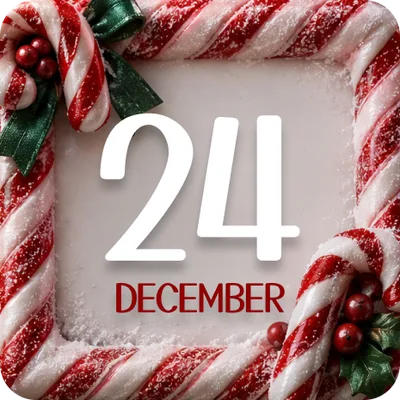
Preview dates, times, temperatures and countdown numbers are illustrative. They are not today’s readings.
Download CarTheme and open the Advent Calendar from December 1 to find your free holiday widgets.
How to add Christmas widgets to CarPlay on iOS 27
- From December 1, 2026, open CarTheme on your iPhone and find the free Christmas widget collection in the Advent Calendar. Choose the design you want to use.
- Save your design and open Settings → General → CarPlay on the iPhone.
- Select your car, then tap Widgets and add an available CarTheme widget.
- Arrange your widgets so the clock and calendar are easy to find. Repeat for another vehicle if needed.
- Connect to CarPlay while parked and check legibility on the actual car screen.
Apple documents this settings path in its iOS 27 CarPlay widget guide. Available stacks depend on the vehicle display. For a fuller walkthrough, see how to add widgets to CarPlay.
A theme here means coordinated widget designs. It does not mean replacing every CarPlay app icon or installing a system-wide skin. Widget artwork and the system wallpaper are separate; see how to change your CarPlay wallpaper.
Preview our Christmas 2026 and New Year 2027 CarPlay startup sounds
Finish your holiday dashboard with one of our Christmas startup sounds. Listen to Christmas Bells, Ho Ho Ho!, Merry Christmas! and Santa sleigh flyby right here, then choose your favorite in CarTheme.
Christmas Bells
Ho Ho Ho!
Merry Christmas!
Santa sleigh flyby
Choose your Christmas startup sound in CarTheme.
Set your holiday startup sound in CarTheme
- Open CarTheme on your iPhone and go to the Sounds tab.
- Choose your Christmas sound and tap to preview it.
- Tap Set as Startup Sound and follow the in-app setup prompts.
- Connect your iPhone to CarPlay and test the greeting while parked at a comfortable media volume.
For more detail, see how to set a startup sound in CarTheme. The sound plays when your iPhone connects to CarPlay; it does not replace the car manufacturer’s ignition chime. To make your own greeting, use CarTheme’s supported audio import or creation options.
Christmas CarPlay FAQ
Are the Christmas widgets free?
Yes. All 25 widgets shown in the Advent Calendar gallery will be available for free as a Christmas gift in CarTheme from December 1, 2026. This gift covers the featured widget collection; the Christmas sound previews in this guide are a separate part of your setup.
Can I put a Christmas wallpaper on CarPlay?
Choose from the wallpaper options available in CarPlay settings. A custom Christmas image inside a compatible widget is separate from the system background; don’t assume a photo can replace the entire CarPlay wallpaper.
Do Christmas widgets work with wireless CarPlay?
The setup uses your car’s CarPlay widget support, whether the connection is wired or wireless. If a widget is missing, check the selected vehicle, update the app and open it on the iPhone first. See CarPlay troubleshooting.
Can I keep the theme for New Year 2027?
Yes: switch the December calendar or Christmas art to a winter scene, and use a New Year greeting. Midnight blue, snow and a simple clock work well into January.
How do I decorate the rest of the car?
Pair your dashboard with a restrained seasonal detail, or build a larger display for a parked photo session. Our Christmas car decoration guide covers garlands, bows, lights and the local road rules you need to check.